
Create a Rubric
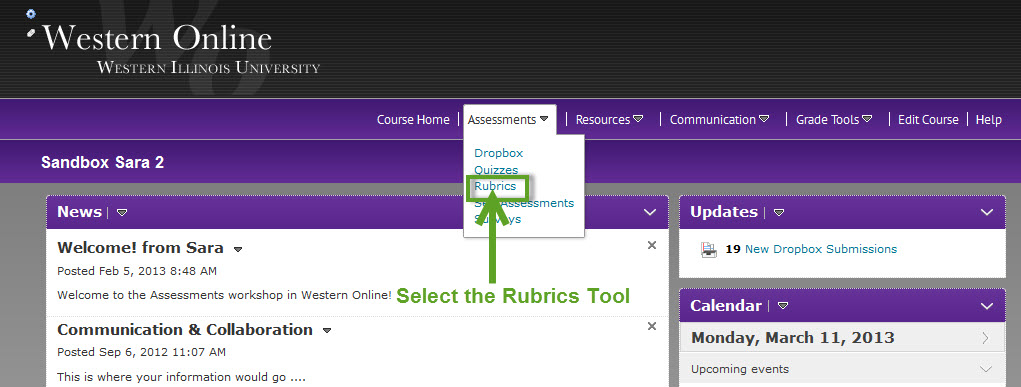
To create a new rubric go to your course, select the Assessments pulldown, Rubrics link in your tools menu.
The Rubrics page will appear with a list of your existing rubrics and the option to create a new rubric. Select the New Rubric button.
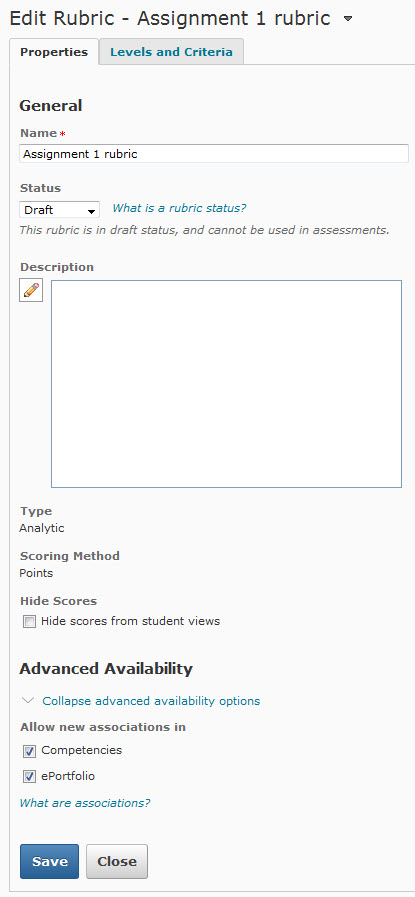
In the Properties menu add a name, desciption (optional), type and the number of levels and criteria to be added to the rubric along with the type of scoring. Select Save.