
Quad Cities Campus
Riverfront Hall 218
How To's
View TV Screen
Push power button on TV remote
View DVD on Screen
Use Computer's VLC Application.
Click on the VLC icon.

Adjust Volume
Always use the volume control on the podium computer to adjust volume.

Power off TV
Push power button on TV remote
Make a Zoom Call
Students, Faculty and Staff:
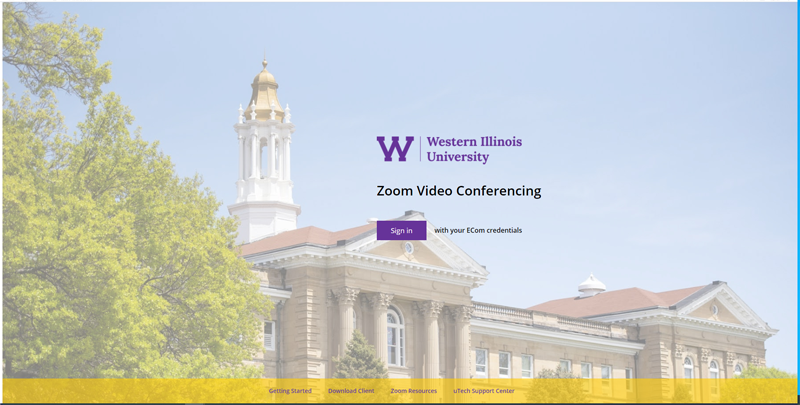
Go to https://wiu.zoom.us/
Login with your ECom credentials.
For Guests
Option 1:
On the desktop computer, open the Zoom application located under Programs:
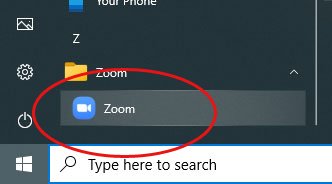
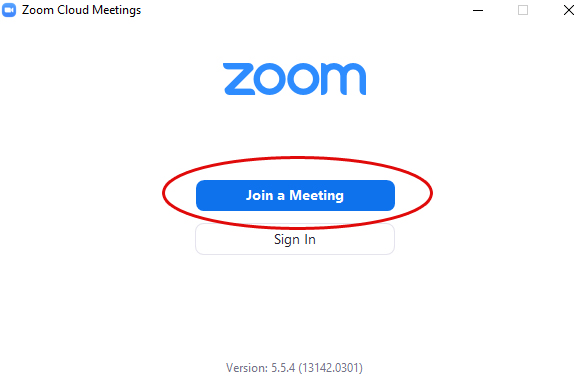
Select Join a Meeting and enter the meeting ID:
Option 2:
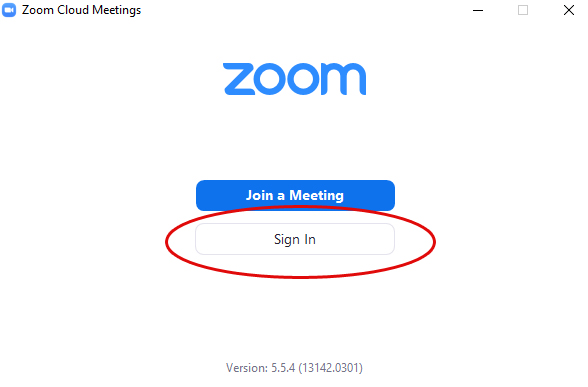
On the desktop computer, open the Zoom application located under Programs:
Select Sign In and pick sign in option:
Adjusting Cameras in Zoom
Use the black Aver remote.
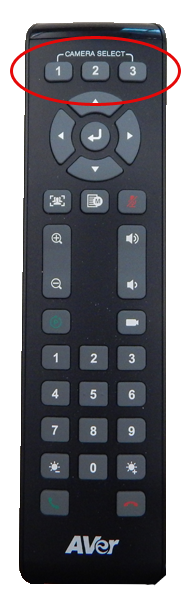
Select the camera you want to adjust:
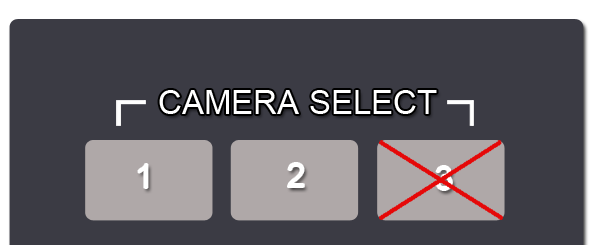
Switching between camera 1 and 2 on the remote ONLY switches the camera you want to control.
It does not switch the sending camera.
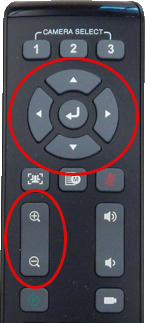
- Left/Right arrows to pan
- Up/Down arrows to tilt
- Plus/Minus button to zoom
Showing Document Camera (ELMO) in Zoom
There is not a document camera available in this room.
Contact Tech Support
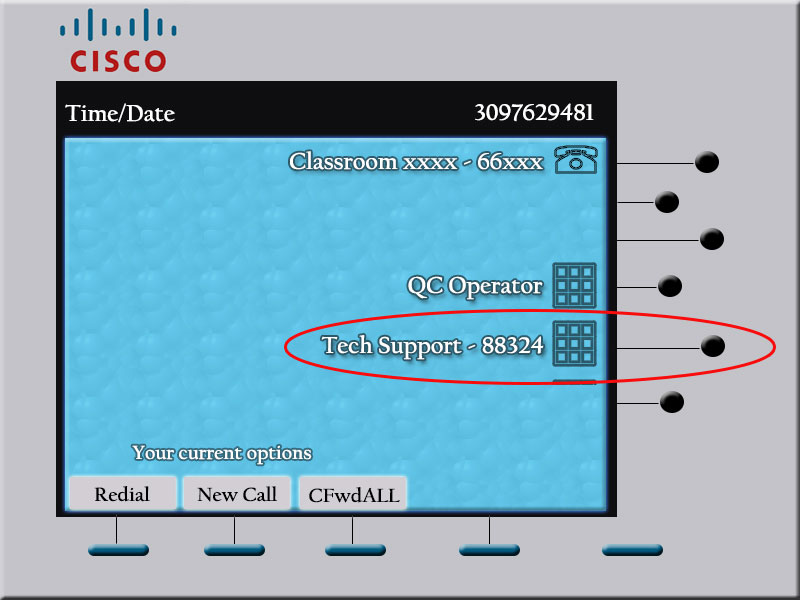
- Tech Support speed dial on in-room telephone
- Dial 88324 from on campus
- Dial 309-298-8324 from a cell phone
Troubleshooting
Computer screen is blank.
1) Check to see if power to the monitor is on.
2) Move the mouse. Computer may be in sleep mode.
I do not see the computer icons on the projection screen.
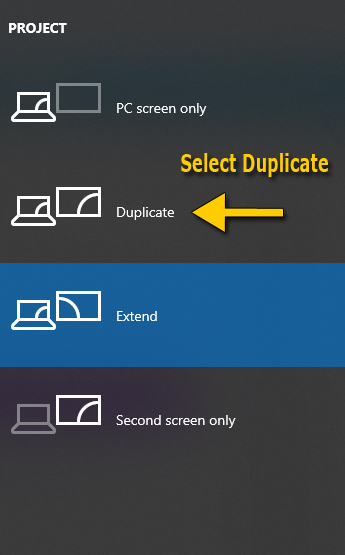
Computer screen is extended instead of duplicated.
1) Select the windows button and P key
2) Select Duplicate
I'm sending the wrong camera in Zoom.
There are 2 ways to send a camera in Zoom:
1) Select the camera you want to use within Zoom by selecting the ^ that is right next to the stop VIDEO selection box
2) Press ALT + N
You cannot change the sending camera using the black Aver remote.
While using Zoom, sound is coming out of wrong speakers.
If the sound is coming out of the round, black speakers, switch audio to use the Realtek(R) audio in the bottom left of the zoom window (the ^ next to MUTE)
Connect with us: