
University Technology
UCNI Two for 26 - Let's Get Ready for Fall 2026
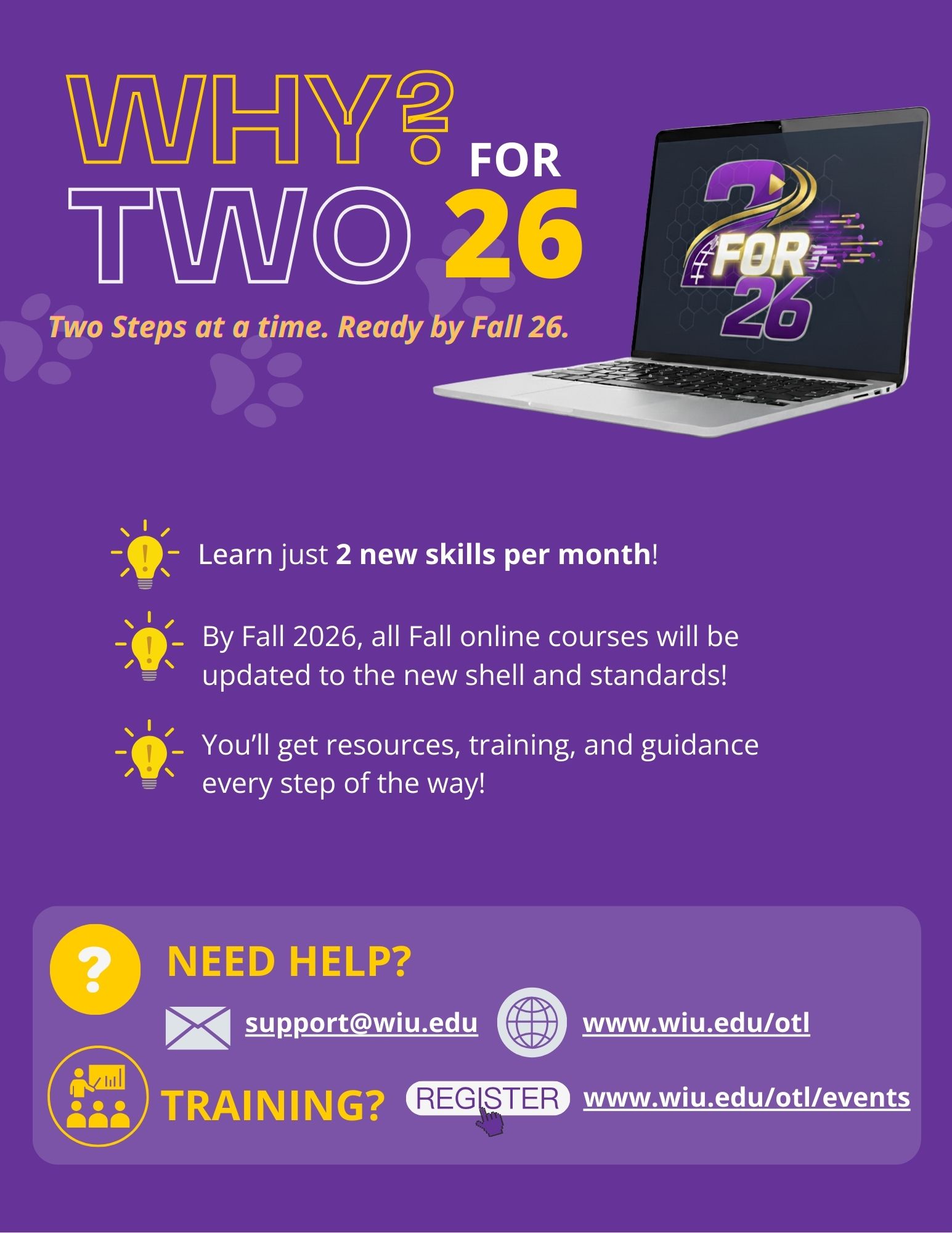
The "2 for 26" initiative is a phased approach to transition all our Western Online courses into the new UCNI (universal course navigation and interface) shell and D2L's New Content Experience by the start of the Fall 2026 semester. With 2 for 26, we will focus on completing two steps or tasks each month as we update our courses in the UCNI shell. We will learn two skills per month toward getting ready to teach in the new course template and standards by Fall 2026.
You're not alone; resources, training, and guidance will be provided every step of the way!
Why Two for 26?
December 2025 and January 2026 Call to Action
The 2 for 26 tasks for December 2025 and January 2026 are outlined in the table below.
Task 1 |
What to Do |
Resources |
|
Modify Instructional Modules: Over the next two months, you will complete the provided self-guided or webinar training opportunities and use the available resources to begin organizing, creating, and managing instructional content within the UCNI course structure. This process will help ensure consistency, clarity, and alignment with course objectives. You will learn how to build and modify your courses while maintaining the standardized UCNI design that supports an intuitive and engaging learning experience for WIU students. |
Register and Complete Training:
|
Instructional Module Structure Modifying Module Overview Pages
Modifying the STUDY Module
Modifying the APPLY Module:
Adding Existing Activities to the Apply Module:
Creating and Adding New Application Activities to the Apply Knowledge Module: |
Task 2 |
What to Do |
Resources |
|
Import and Organize Existing Content in the UCNI: You will learn how to import and organize your content from previous courses in a manner that will help you avoid accidentally altering the UCNI module structure within your online courses. |
Register and Complete Training:
|
Importing (Copying) Content from a Previous Course in UCNI: |
Task Breakdown
Task Breakdown
Note: The tasks are broken down into small, doable tasks to assist you in updating your courses without feeling overwhelmed.
Two for 26’ Call to Action Archives
- Two for 26’ September Action Guide
- Two for 26’ October Action Guide
- Two for 26’ November Action Guide
- Two for 26’ December 25’ and January 26’ Action Guide
Connect with uTech: